 Color
Stickers, prints and shirts
Pick one layer per color when you download.
Pick one layer per color when you download, then recolor or print each one.
Preview free, no card. Your first 10 pictures are on us, then $4.99 for 7 days, one payment.
We delete your upload after 24 hours and never use your pictures to train our models.


 Color
Pick one layer per color when you download.
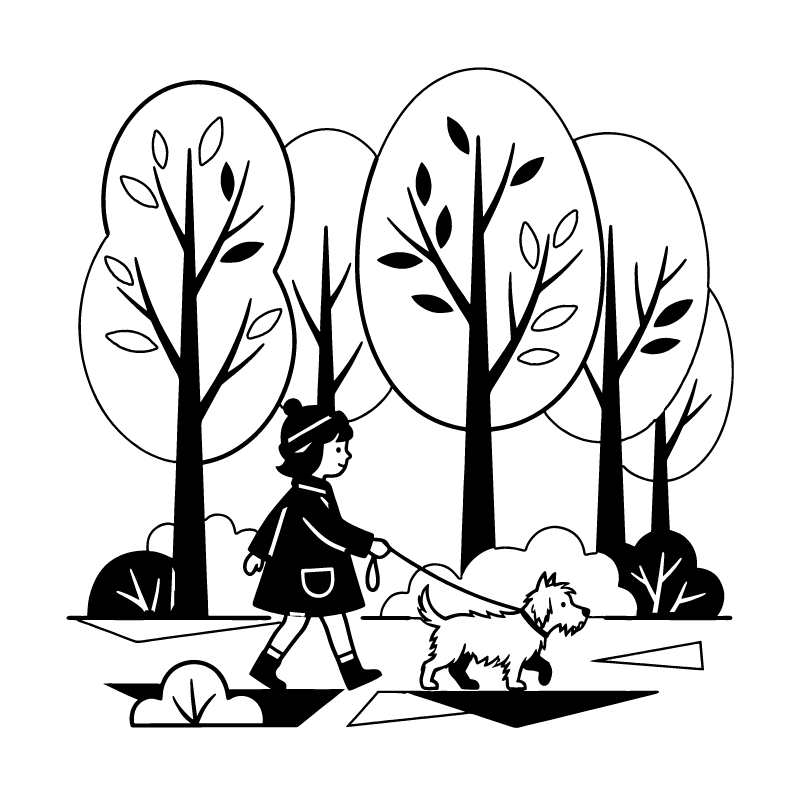 Black & white
Everything on one black layer.
Beta Works best on drawings and prints with clear lines.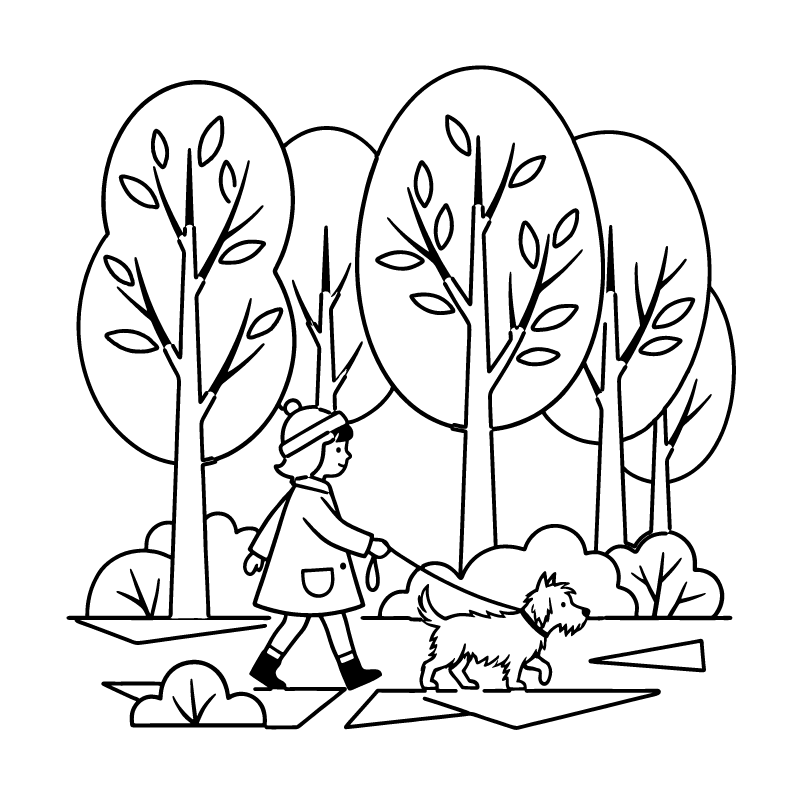 Line art
The outlines only, on one layer.
Beta Works best on drawings and prints with clear lines.Cleaning up AI art for a client? The layers stay as they are in Illustrator. AI image to vector
You can edit any picture you convert in our SVG editor.
Unlimited pictures for 7 days, fair use. One payment, no subscription.
A standard SVG: opens in any app that reads SVG. Silhouette Studio opens SVG files from its Designer Edition up.
In Color, separate things come out as their own group, and the free preview shows them. Want one layer per color? Pick it when you download. Black & white gives one black layer, Line art the outlines only. PNG to SVG with layers
Not for the preview. Convert a picture and look at it free. You sign in when you keep one: with your email (we send a link, no password) or with Google.
Yes, if you have the rights to the picture you uploaded. The result is yours.