Midjourney, ChatGPT, Gemini, Flux
Turn AI art into print-ready vector.
AI tools give you pixels. Get a layered SVG that stays sharp on a sticker, a shirt or a poster.
While you wait: take a real result apart, or tell us what you need.
Thanks: noted.
Nov2026
The pictures on this page are real results. Download them, free.
What the print shop gets
Six AI-style pictures, converted.
Each loupe magnifies a detail 2.5×: the PNG on the left, our SVG on the right, not touched up by hand. Take them apart on the Examples page.
-
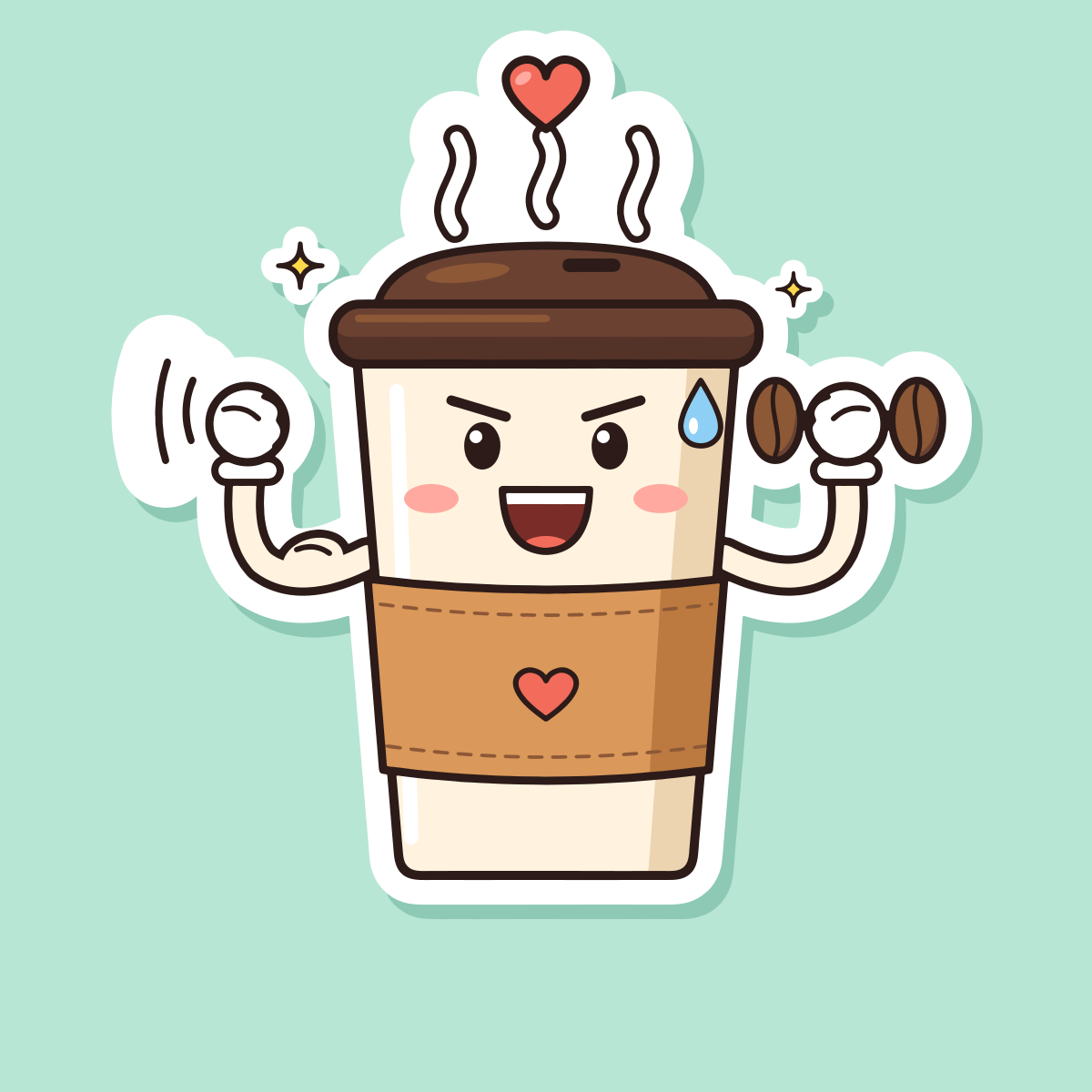
Coffee sticker: compare it, zoom in and take it apart
Die-cut stickers.
86 paths, 16 colours. In the loupe: an eye, the PNG on the left, the SVG on the right
-
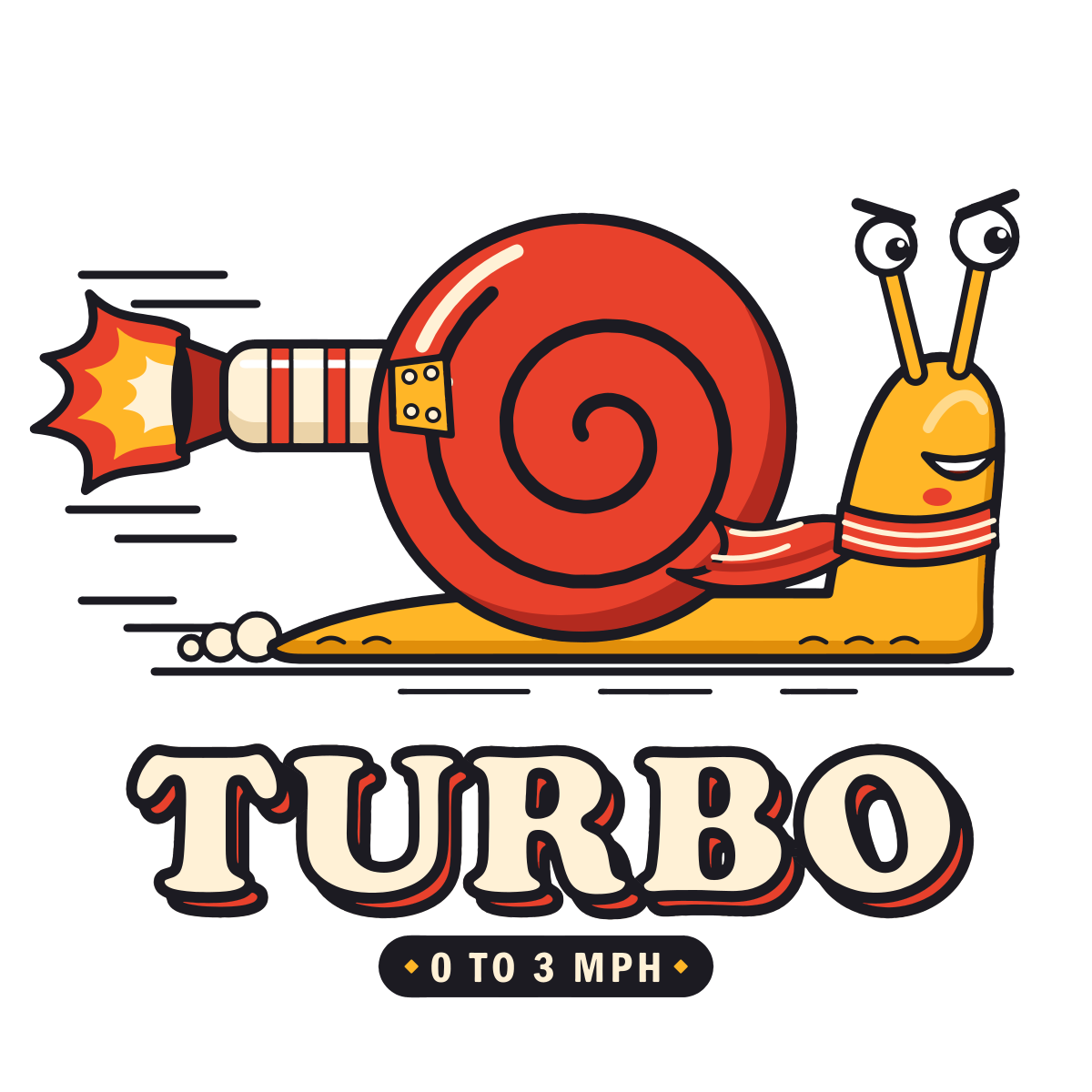
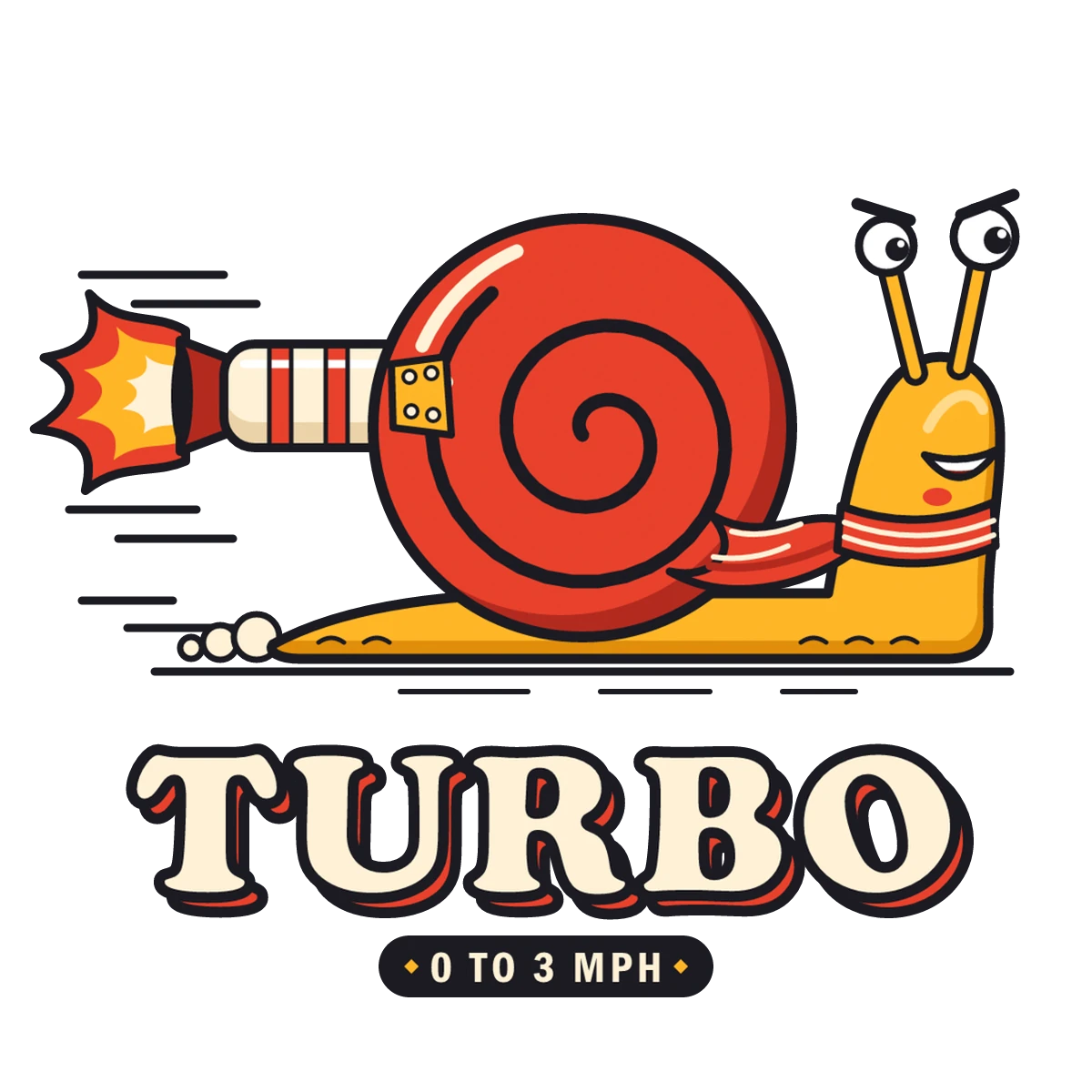
Turbo snail: compare it, zoom in and take it apart
Shirts and hoodies.
153 paths, 11 colours. In the loupe: the small lettering 0 TO 3 MPH, the PNG on the left, the SVG on the right
-
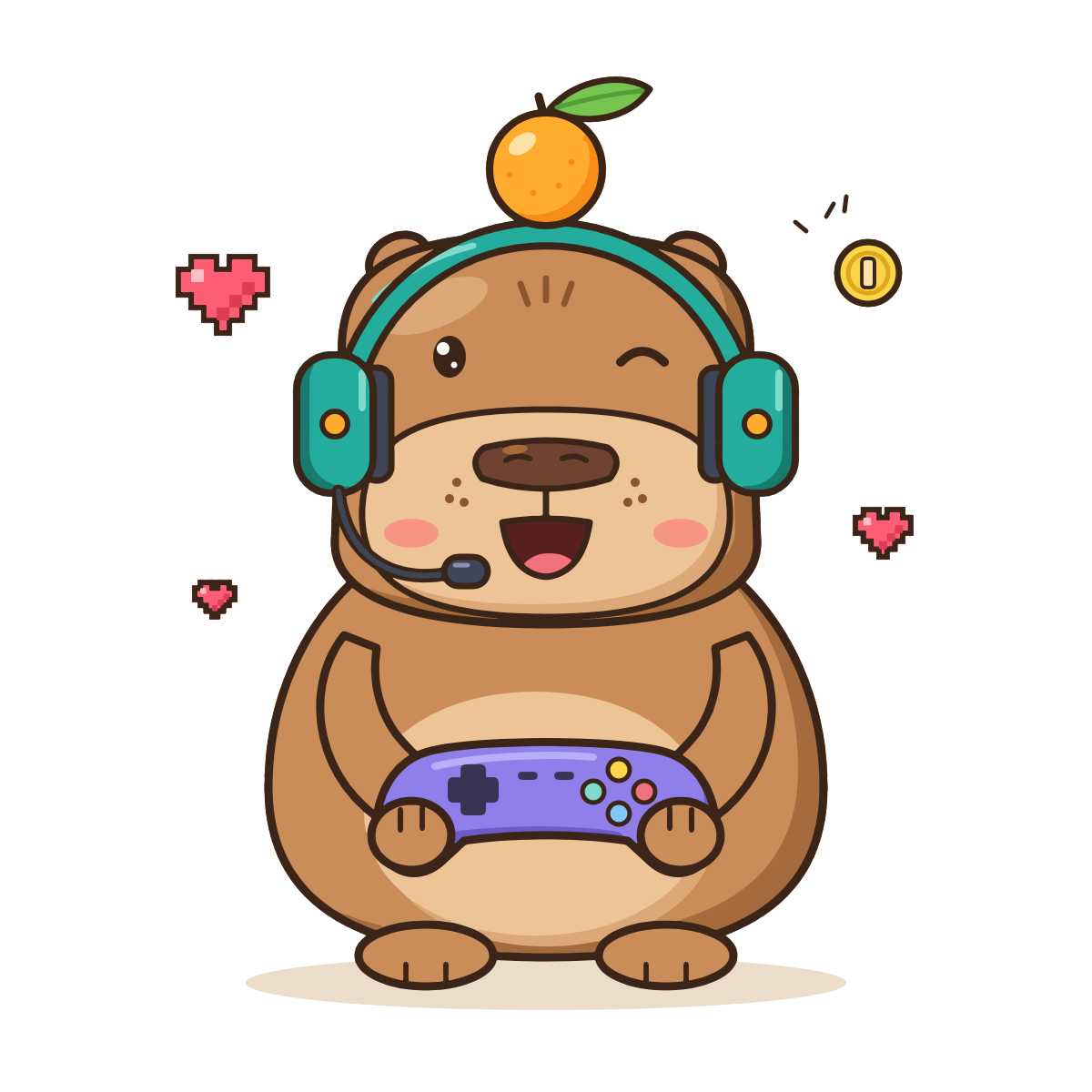
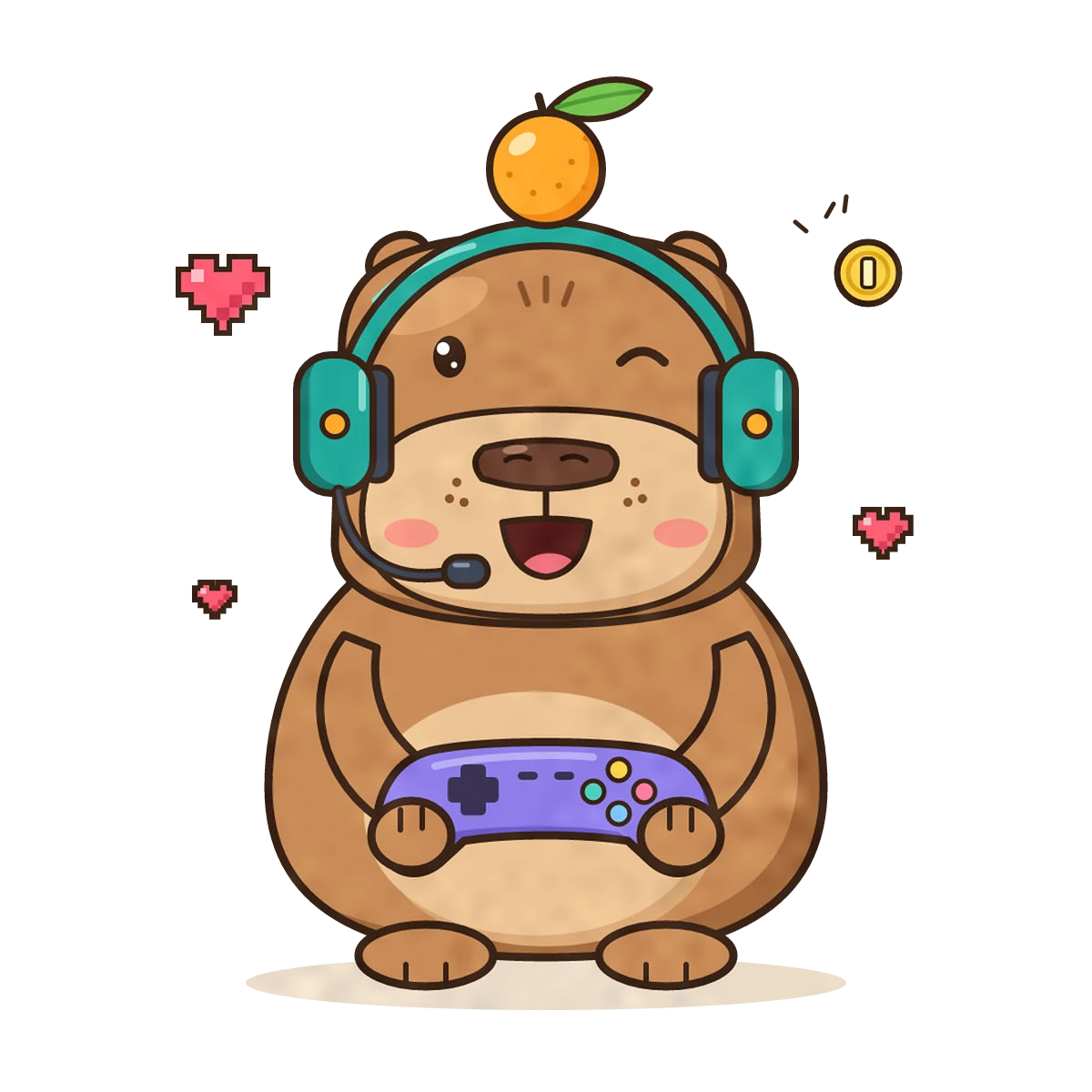
Capybara mascot: compare it, zoom in and take it apart
Stream mascot and merch.
182 paths, 33 colours. In the loupe: an eye, the PNG on the left, the SVG on the right
-
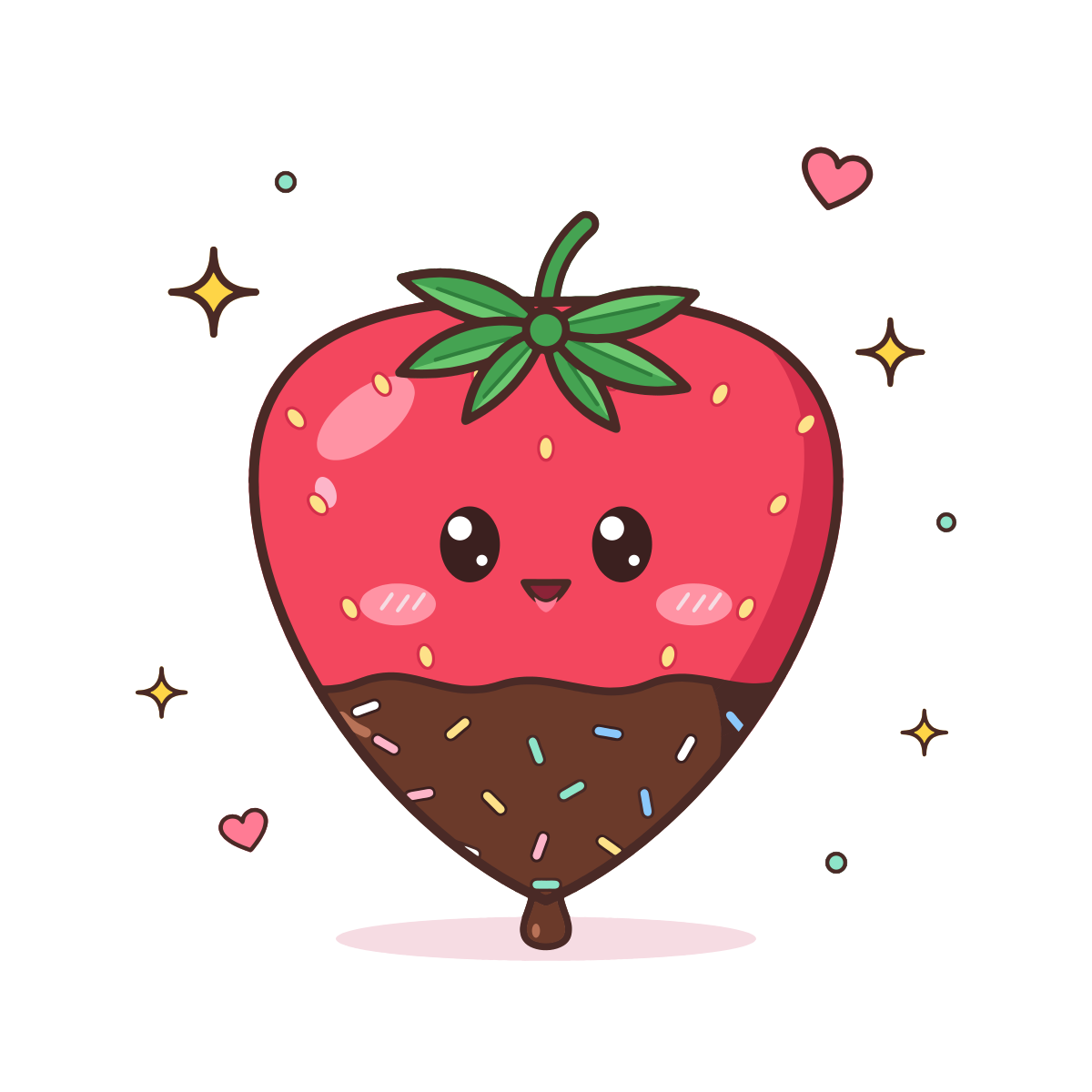
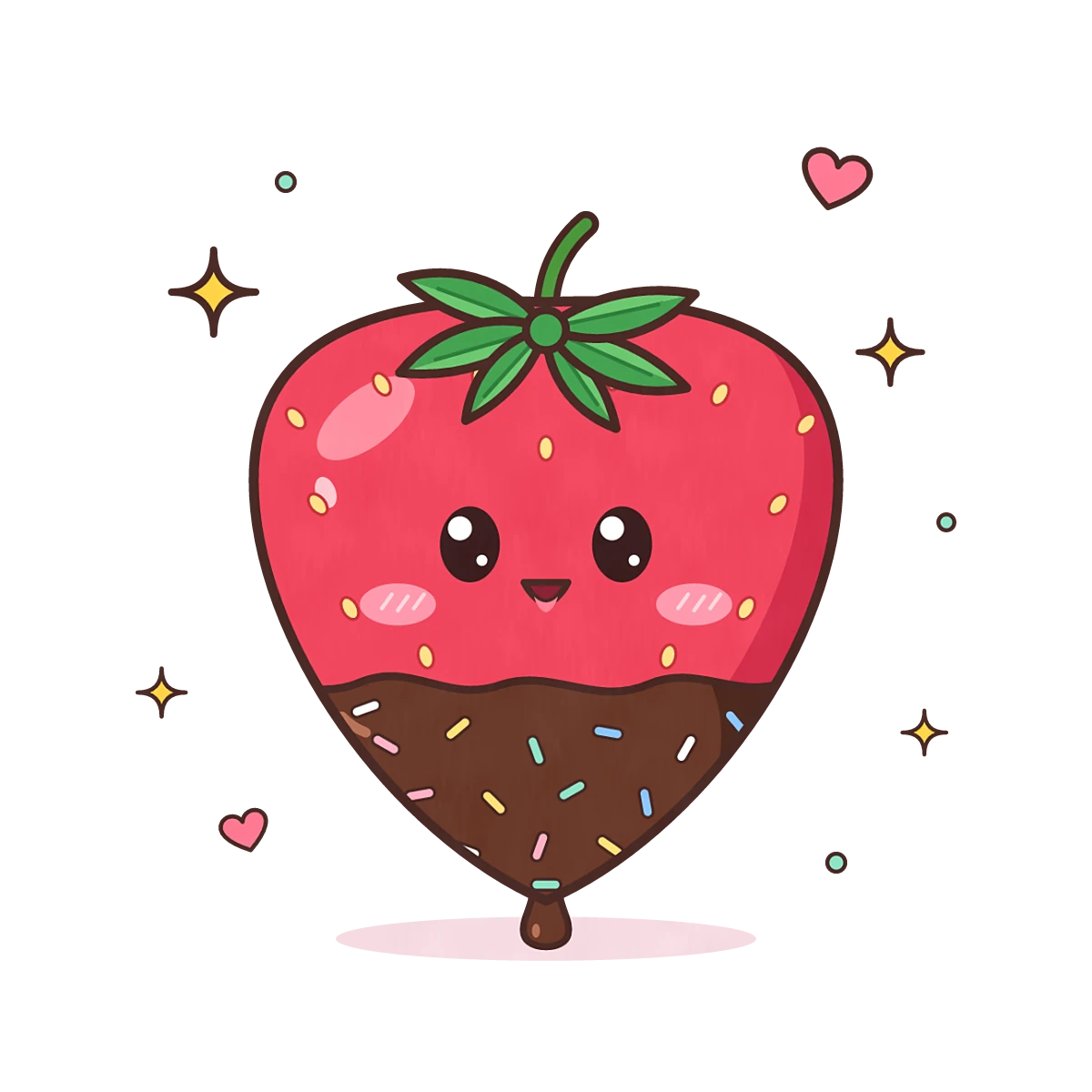
Kawaii strawberry: compare it, zoom in and take it apart
Sticker sheets and cards.
134 paths, 20 colours. In the loupe: an eye, the PNG on the left, the SVG on the right
-
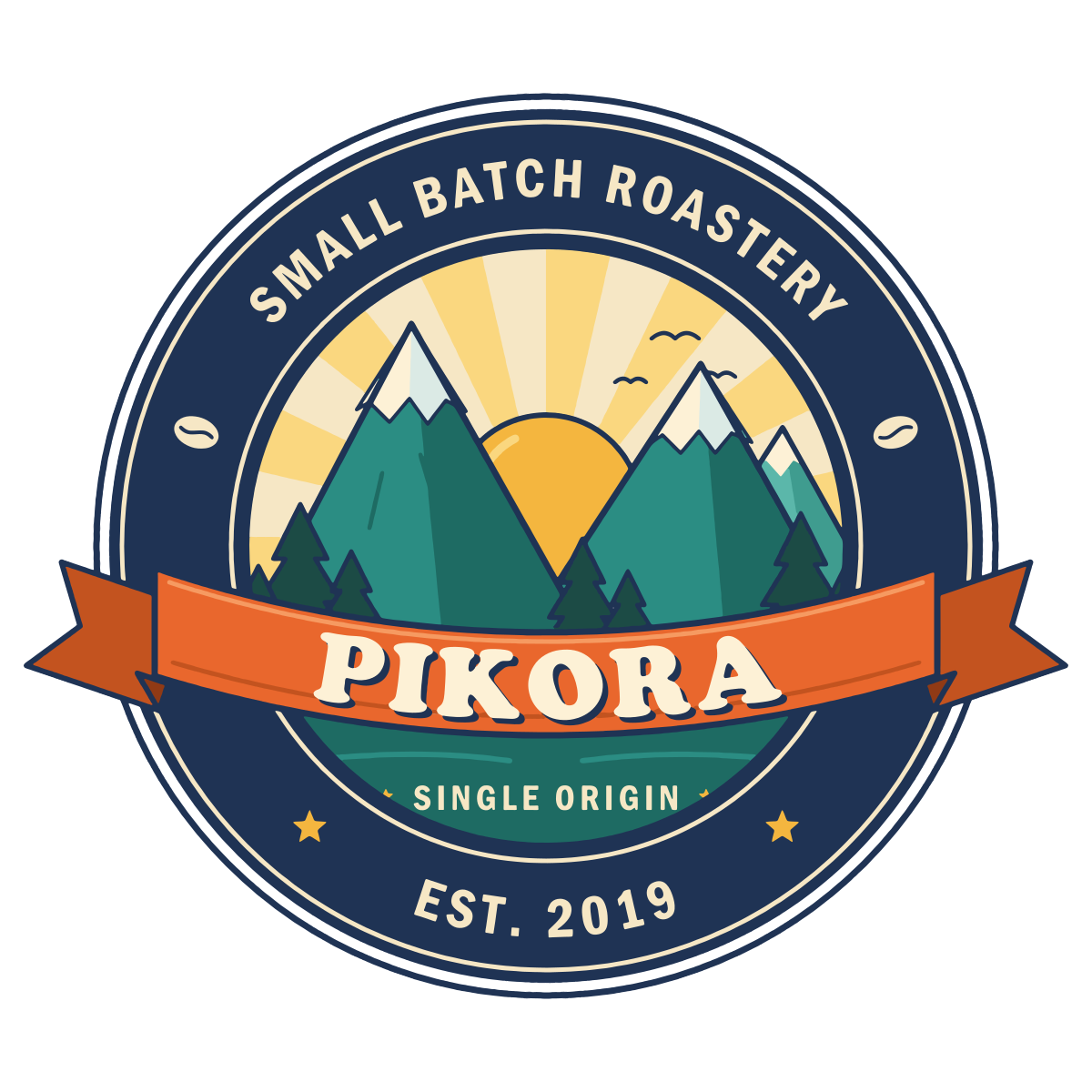
Roastery badge: compare it, zoom in and take it apart
A shop logo for cups and bags.
173 paths, 17 colours. In the loupe: the lettering SINGLE ORIGIN, the PNG on the left, the SVG on the right
-
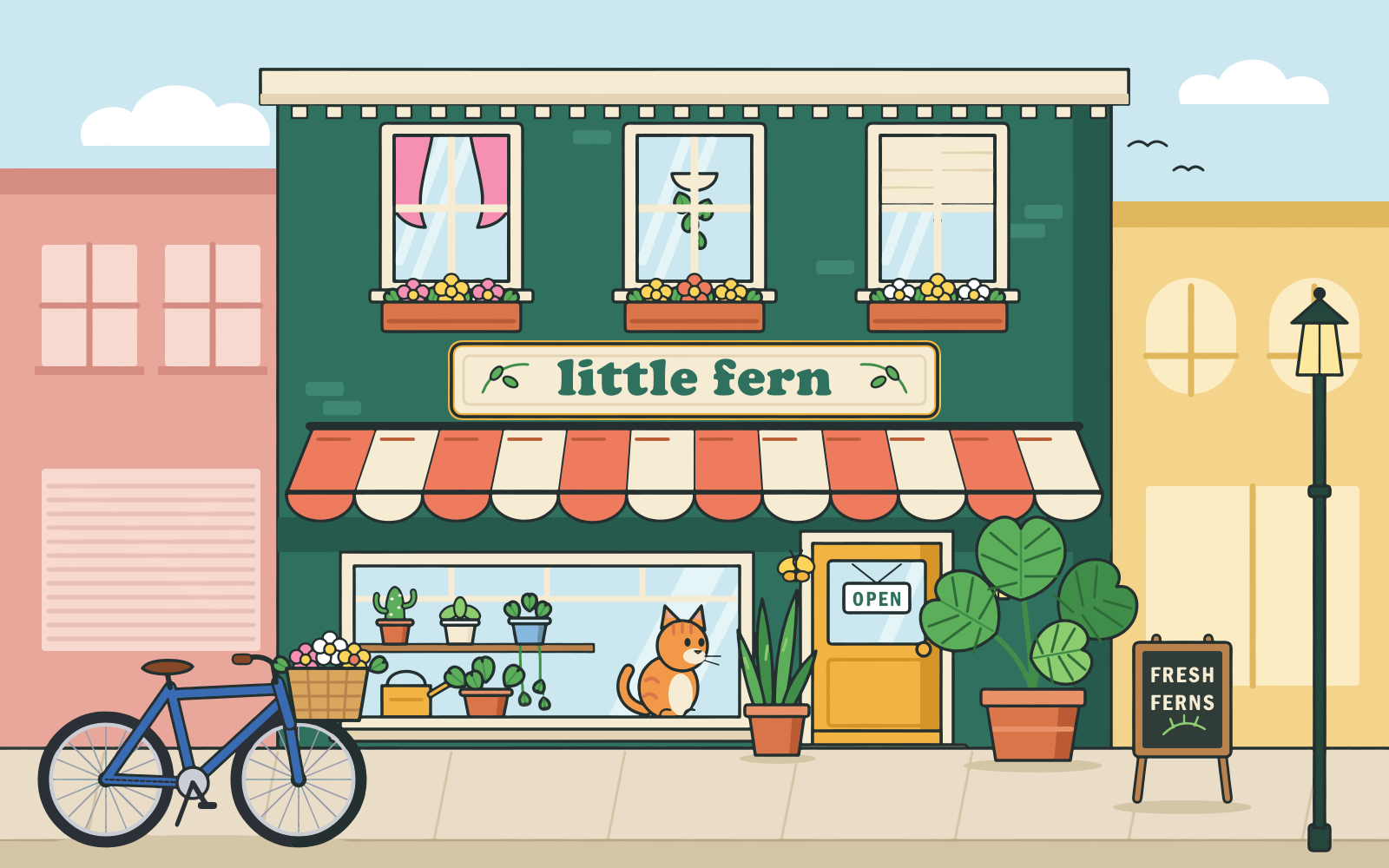
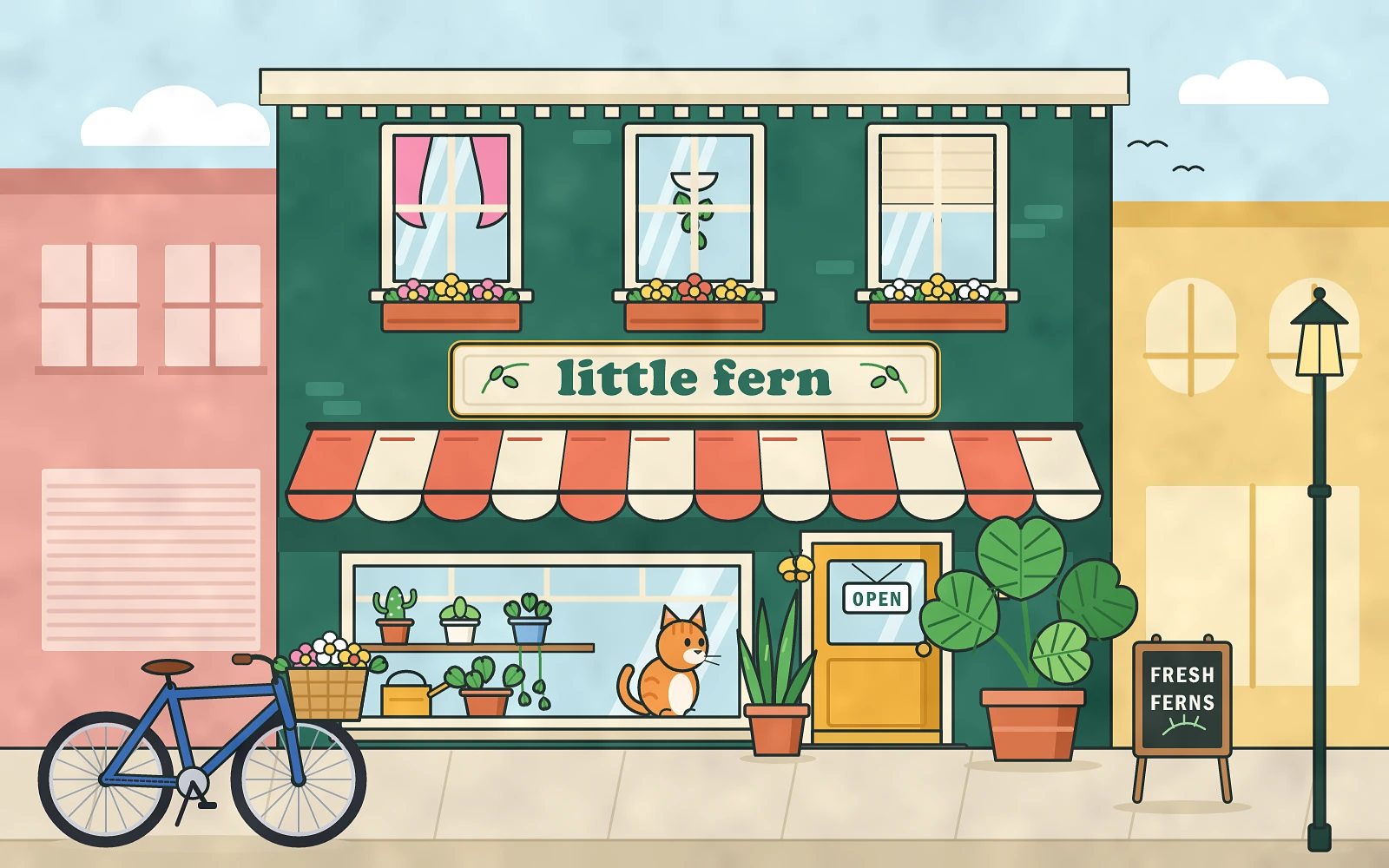
Plant shop: compare it, zoom in and take it apart
A picture-book page or a poster.
716 paths, 46 colours. In the loupe: the OPEN sign, the PNG on the left, the SVG on the right
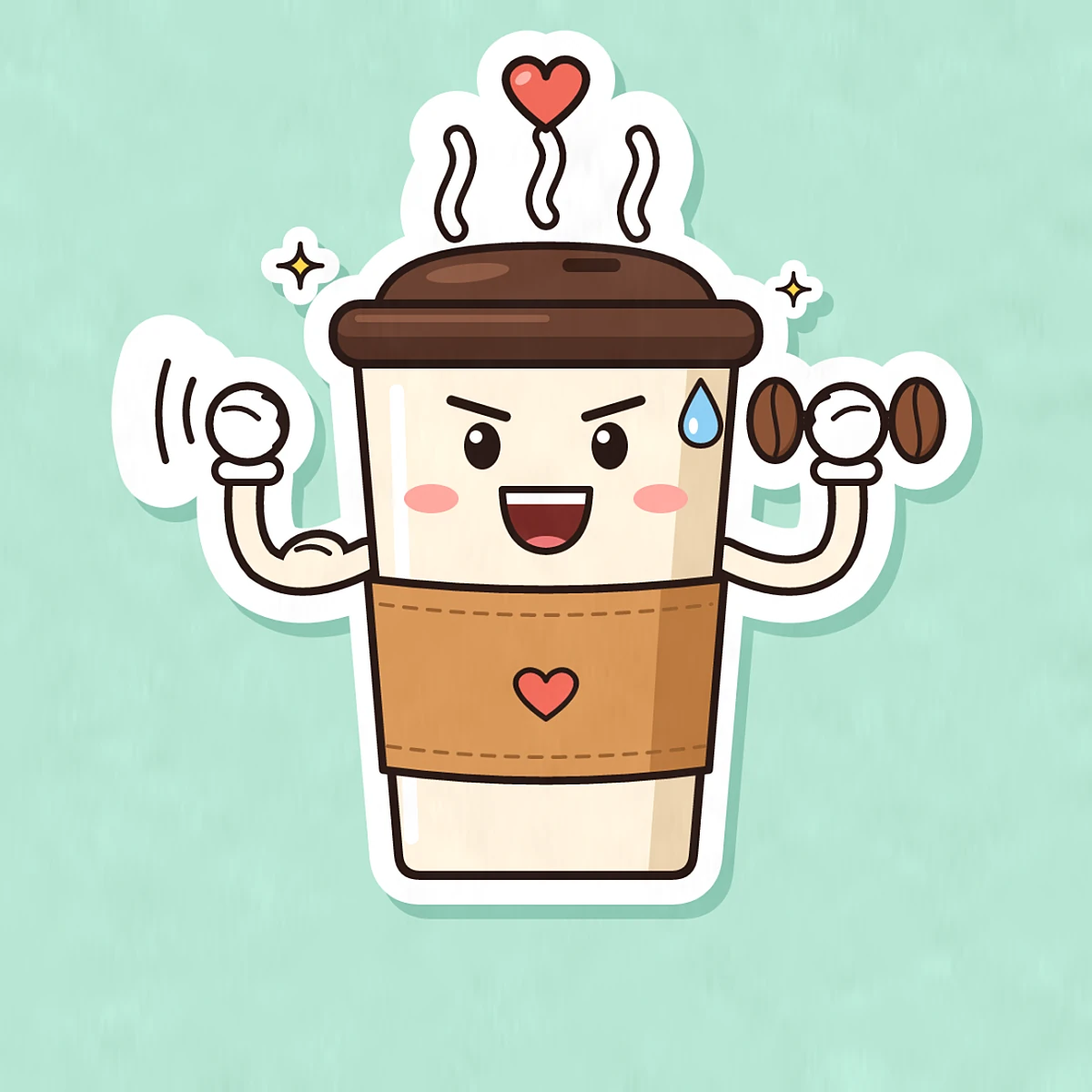

AI image to SVG, ready to print
Midjourney, ChatGPT, Gemini, Flux, Leonardo and Ideogram all hand you a raster picture: a grid of pixels at one fixed size. Print it on a shirt or blow it up for a poster and its edges turn soft and blocky. An SVG describes the same picture as shapes, so it stays sharp at any size, and a print shop or a design app can use it as it is.
Upload the PNG, JPG or WebP your AI tool saved. TarsiLabs gives you an SVG in the colours of your picture, with each object in a group of its own: a whole base, its shading on top and its line art as a separate layer. Change a colour for a dark shirt, move a part, or hide the background before you print.
- Works best on flat AI art: stickers, mascots, logos, icons and cartoon scenes. Photos convert too, but they don’t split into useful parts.
- Transparent backgrounds stay transparent.
- Check every result in the free preview before you keep it.
What you get in the file.
turbo-snail.svg, 153 paths, 152 KB
- No pixel size
- Export it at 4500 × 5400 px for a shirt print, or at any size you need.
- 11 colours
- A short palette. Swap one and every shape that uses it follows.
- 29 groups
- Every letter of TURBO is its own shape: move, resize or delete one.
- Three layers
- Whole base shapes at the bottom, details on top, the line art last.
- Transparent
- No white box to cut away, so it sits on any shirt colour.
Preview free. Then keep as many as you need.
The prices at launch, in November. After your first free pictures: unlimited pictures with a 7-day pass or Creator, under fair use.
See all plansFree
$0
With an account
- Preview every picture
- Your first 3 pictures, free
- Kept pictures stay in your account
7-day pass
$4.99 / 7 days
Unlimited pictures, fair use
- For 7 days from when you buy it
- For a one-off job
- One payment, no subscription
Best for most people
Creator
$6.30 / month$63 / year
First 3 months, founding offerFirst year, founding offer: $5.25 a month
Then $9 a month, the regular price at launch.Then $90 a year, the regular price at launch (2 months free).
- Unlimited pictures, fair use
- For regular work
- Cancel anytime
Prices in USD. Waitlist members get 30% off Creator when they take it in the first 14 days after we open. Details.
AI art questions,
answered.
What sellers ask before their first design. More in the full FAQ.
Which AI tools does it work with?
Any tool that saves a PNG, JPG or WebP: Midjourney, ChatGPT, Gemini, Flux, Leonardo, Ideogram and others. Flat, illustrated styles (stickers, cartoons, logos, icons) convert best. Photo-real renders convert too, but they are not what TarsiLabs is made for.
Can I sell what I make with it?
The SVG we make is yours. Whether you can sell the art itself depends on the AI tool’s terms and on what the picture shows, so check both before you list it.
How big can I print it?
As big as you like: an SVG has no pixel size. Export it at 4500 × 5400 px for a shirt, or larger for a poster or a banner, and check the file before you send it to print.
Can I change the colours for a dark shirt?
Yes. Every shape has a plain fill from a short palette. In Illustrator use Recolor Artwork, in Figma the Selection colors panel, in Inkscape Edit > Select Same > Fill Color.
Does it work with Cricut?
Cricut Design Space imports SVG files, and a standard SVG is what you get. We haven’t tried our files on a cutter yet: cut a small test first, as very small parts may be too fine to cut or weed.
What does it cost?
It opens in November. Then previews are free once you sign in, a new account’s first 3 pictures are free, and after that a 7-day pass or Creator gives unlimited pictures, under fair use (see the prices above).
Are my pictures private?
Only you can see them, and we never use them to train anything.
Your next shirt
starts as a PNG.
Opens in November. Waitlist members get 30% off Creator when they take it in the first 14 days after we open.