How to vectorize a logo for free
The short answer
Start from the biggest PNG of the logo you have. Turn it into an SVG and zoom in on the letters before you keep it. The same file works at sticker size and at sign size.
The preview is free and needs no account. Your first 10 pictures are on us.
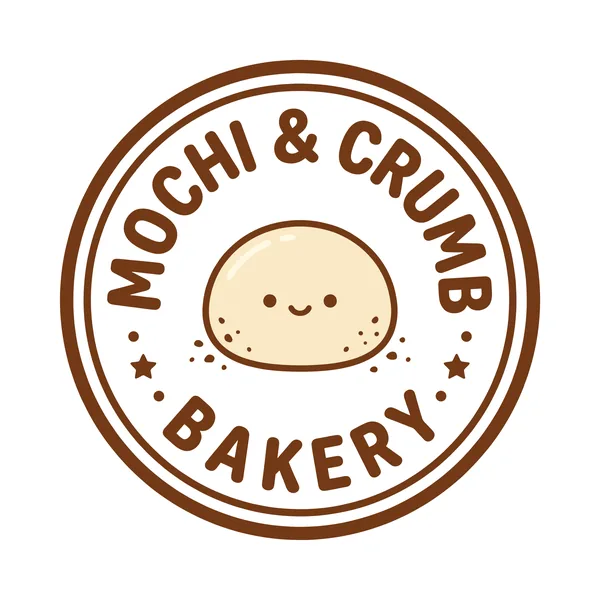 sample logo, not a real brand
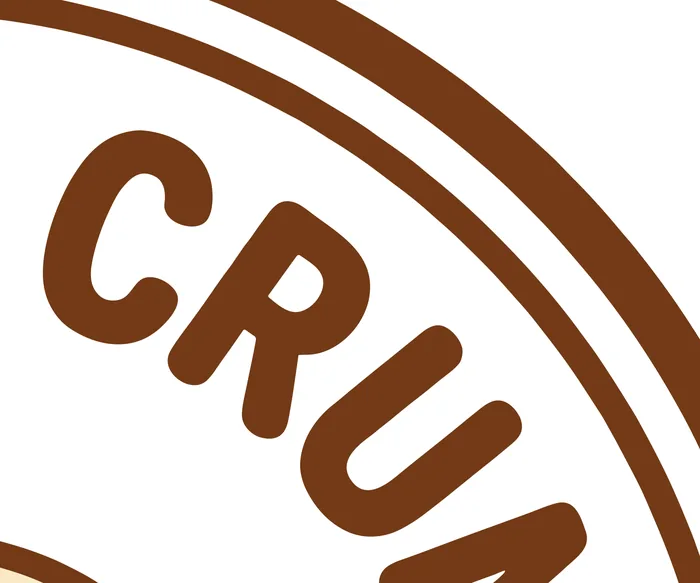
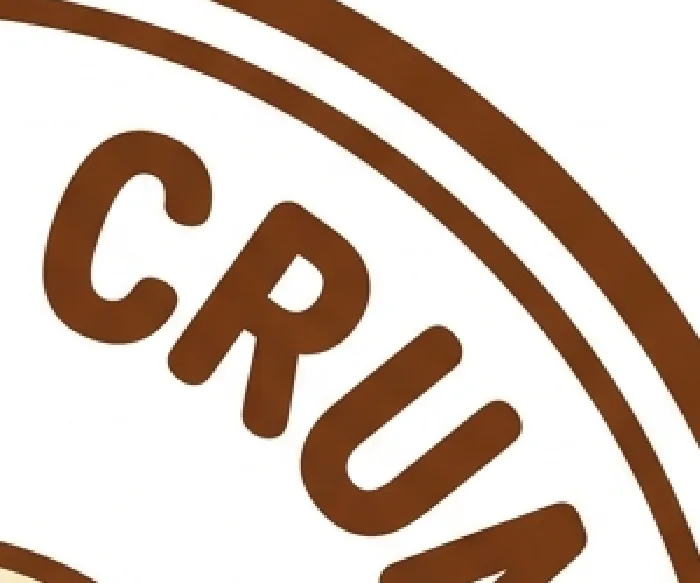
Zoom in on the letters
Letters show every flaw. Zoom in where they curve and where two letters sit close.
Here the curved letters around the circle, the double ring and the little stars all come out as clean shapes.
Which logos work best
Flat colors and clear edges: badges, wordmarks, icons, stickers. Use the biggest PNG you have. A screenshot of a website header is often too small.
Step by step
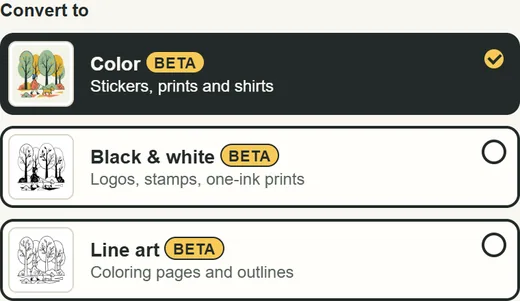
Pick Color
Color keeps the logo's colors. Black & white gives you one solid color.
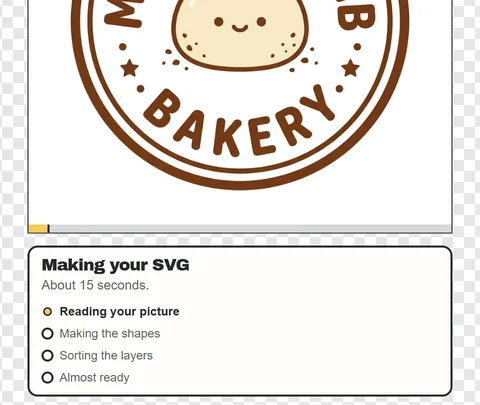
Upload the logo
Drop it on the page or paste it with Ctrl+V. PNG, JPG or WebP, up to 10 MB.
Zoom in on the preview
The preview is free. Zoom into the letters and the thinnest lines before you keep it.
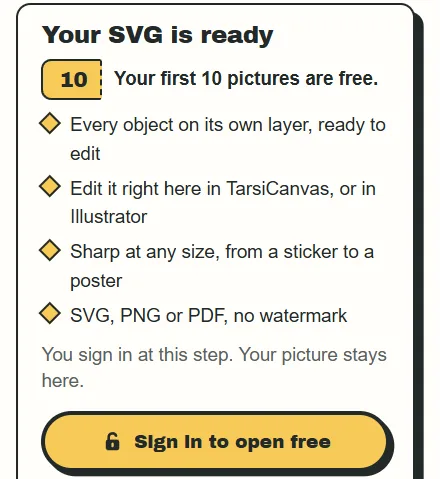
Keep it
Press "Unlock this picture" once it looks right. If you're not signed in yet, the button says "Sign in to open free" and you sign in at this step.

Leave the background out (optional)
In Download options, turn on "Leave out" next to Background. The white square around the logo goes, and the logo sits on any color.

Download one file for every size
Download the SVG. Make it sticker size or sign size in your design app; it stays sharp at both. Download options also has print sizes like Sticker 75 mm.
-
Now your picture
Drop a PNG or JPGPNG, JPG or WebP, up to 10 MB. Or paste with Ctrl+V.- Preview free, no card. Your first 10 pictures are on us.
- The preview needs no account. You sign in when you keep a picture.
- We delete your upload after 24 hours and never use your pictures to train our models.
Open it in your design app
The logo is one object, with its own layer for the background. A standard SVG: opens in any app that reads SVG.
If something looks off
A letter looks thin or rough
Start from a bigger PNG of the logo. Zoom the preview into that letter before you keep it, and if it still looks wrong, tell us.
A white box around the logo
Turn on "Leave out" next to Background in Download options.
The brand color is a little off
Click it in the Colors bar and pick the right one. Every shape with that color changes with it.
Questions
Can I vectorize a logo for free?
The preview is free for every picture and needs no account. Your first 10 pictures are free to keep.
Will the text stay sharp?
Yes. The letters come out as shapes, so they stay sharp at any size.
Can I edit the text afterwards?
The letters are shapes, not typed text, so you can't retype them. You can move them, recolor them or delete them.
Can I get the logo without the white background?
Yes. In Download options, turn on "Leave out" next to Background.
Can I change the logo's colors?
Yes. Click a color in the Colors bar and change it everywhere at once.
Which file do I send to a sign shop or a sticker printer?
Ask them first. The download options give an SVG, a PNG or a PDF; the PDF is a vector page for print shops.
Pictures in this guide
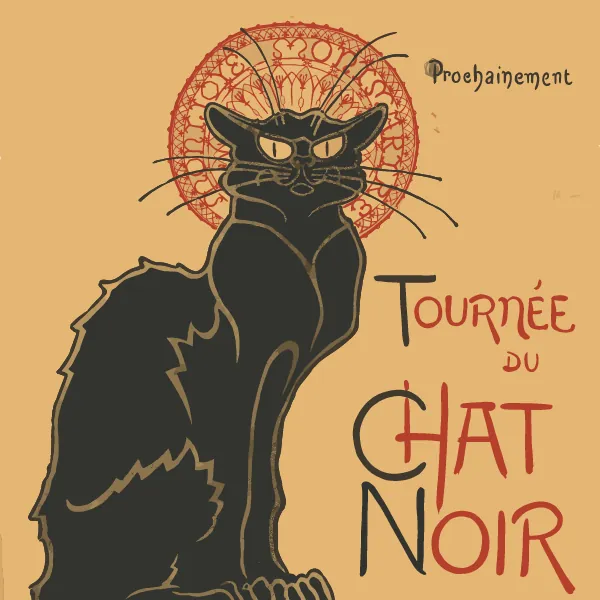
The cat, the frog and the Mochi & Crumb logo are sample pictures for these guides. Mochi & Crumb is a made-up name, not a real brand. The SVGs, close-ups and films are our results.
More: the layered SVG converter, how to turn a PNG into a layered SVG and the online SVG editor.