How to fix a pixelated image before printing it big
The short answer
Don't make the pixels bigger. Turn the picture into an SVG: it's made of shapes instead of pixels, so it prints sharp at any size. This works for flat art, cartoons and logos. Photos need a different fix.
The preview is free and needs no account. Your first 10 pictures are on us.
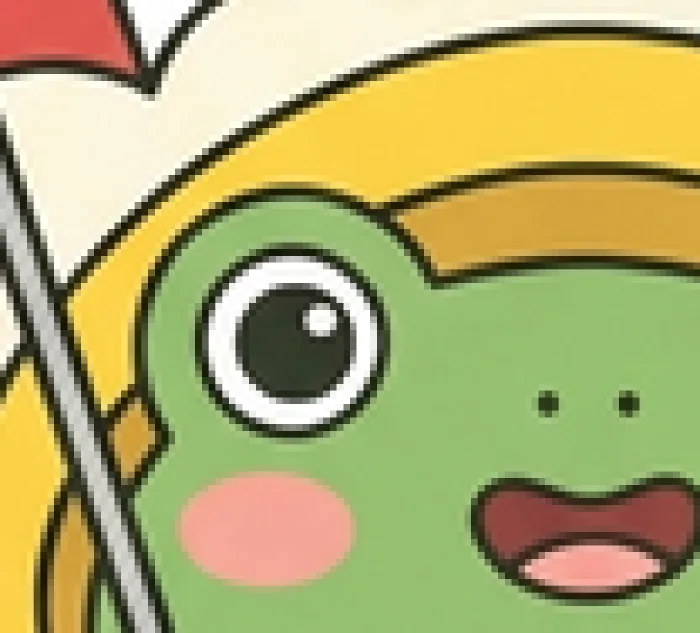
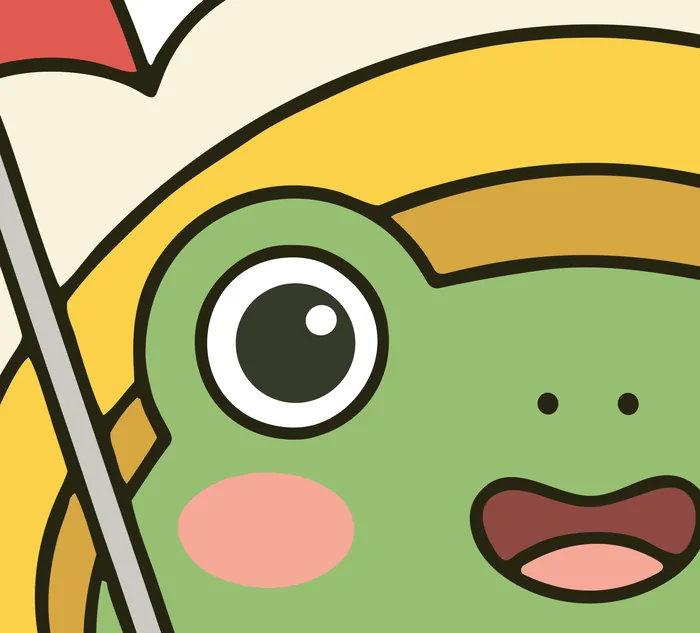 500 pxSVG
Why it goes blurry
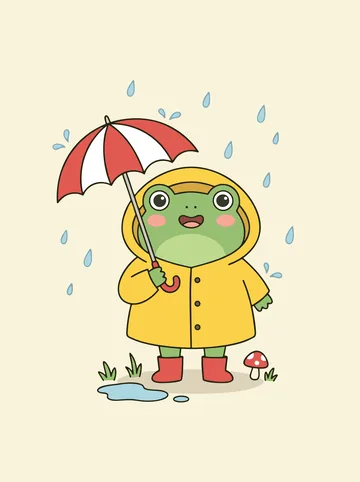
A print shop wants about 300 pixels per inch. An 18 x 24 in poster then needs 5400 x 7200 pixels. This frog is 500 x 670, about 28 pixels per inch at that size.
Stretch it and every pixel turns into a big block. A plain upscale fills the gaps with blends of the pixels around them, so the edges go soft instead of blocky.

Which pictures work
Flat colors and clear edges: cartoons, clip art, logos, stickers, old posters. Even a small one, like this 500 px frog, comes out clean.
A photo comes out as lots of small shapes, so for a photo this isn't the fix.
Step by step
Check the size you need
Width in inches times 300. For 18 x 24 in that's 5400 x 7200 pixels. If your picture is much smaller, it will look blurry printed.
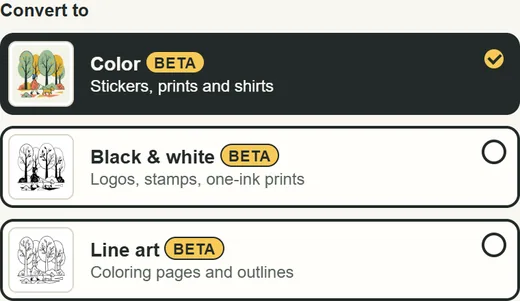
Pick Color
Color keeps the colors.
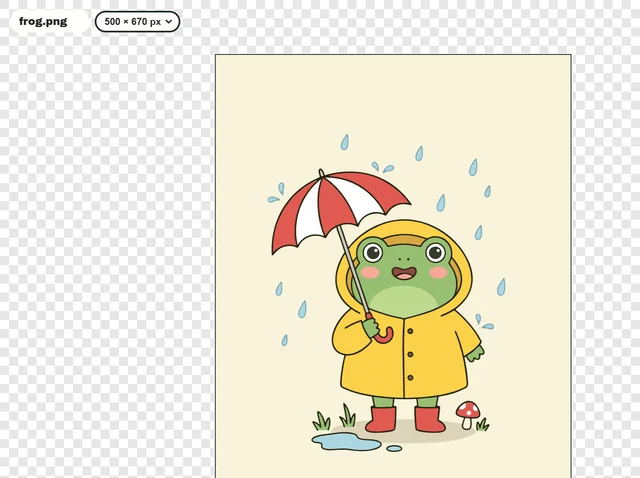
Upload the picture
Drop it on the page or paste it with Ctrl+V. PNG, JPG or WebP, up to 10 MB. Small is fine.
Zoom in on the preview
The preview is free. Zoom into a face or an edge before you keep the picture.
Keep it and download
Press "Unlock this picture", then download the SVG. If your print shop wants a PDF, pick PDF: it's a vector page too.
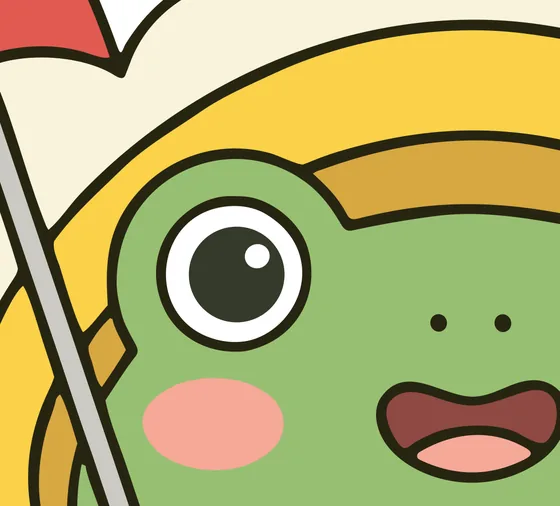
the face at 18 x 24 in, 300 dpi Set the print size
Open the SVG in your design app and make it 18 x 24 in, or send the file to the print shop as it is. It has no pixel size, so it stays sharp at whatever size they print.
-
Now your picture
Drop a PNG or JPGPNG, JPG or WebP, up to 10 MB. Or paste with Ctrl+V.- Preview free, no card. Your first 10 pictures are on us.
- The preview needs no account. You sign in when you keep a picture.
- We delete your upload after 24 hours and never use your pictures to train our models.
Before you send it to print
Ask the print shop which file they want. Most take a PDF or an SVG.
A standard SVG: opens in any app that reads SVG.
If something looks off
Small bumps on the edges
Start from the biggest version of the picture you have. A 500 px picture works; a bigger one gives smoother curves.
Too many tiny pieces
You get that from photos and blurry pictures. Flat art comes out cleaner.
One color is a little off
Click it in the Colors bar and pick the right one. Every shape with that color changes with it.
Questions
Why does my picture look pixelated when I print it?
It has too few pixels for the paper. 500 pixels spread over 18 inches is about 28 pixels per inch; print shops ask for about 300.
Can't I just upscale it?
A plain upscale adds pixels by blending the ones around them. On flat art the edges come out soft. An SVG draws the edges as shapes, so they stay sharp at any size.
What resolution do I need for an 18 x 24 poster?
5400 x 7200 pixels at 300 dpi. An SVG or a vector PDF has no pixel size, so you don't need to count.
Does this work for photos?
Not well. A photo comes out as lots of small shapes. This fix is for flat art, cartoons and logos.
Can I fix a pixelated image for free?
The preview is free and needs no account. Your first 10 pictures are free to keep.
Which file should I send to the print shop?
Ask them first. The download options give an SVG, a PNG or a PDF; the PDF is a vector page for print shops.
Pictures in this guide
The cat, the frog and the Mochi & Crumb logo are sample pictures for these guides. Mochi & Crumb is a made-up name, not a real brand. The SVGs, close-ups and films are our results.
More: the layered SVG converter, how to turn a PNG into a layered SVG and examples taken apart.